
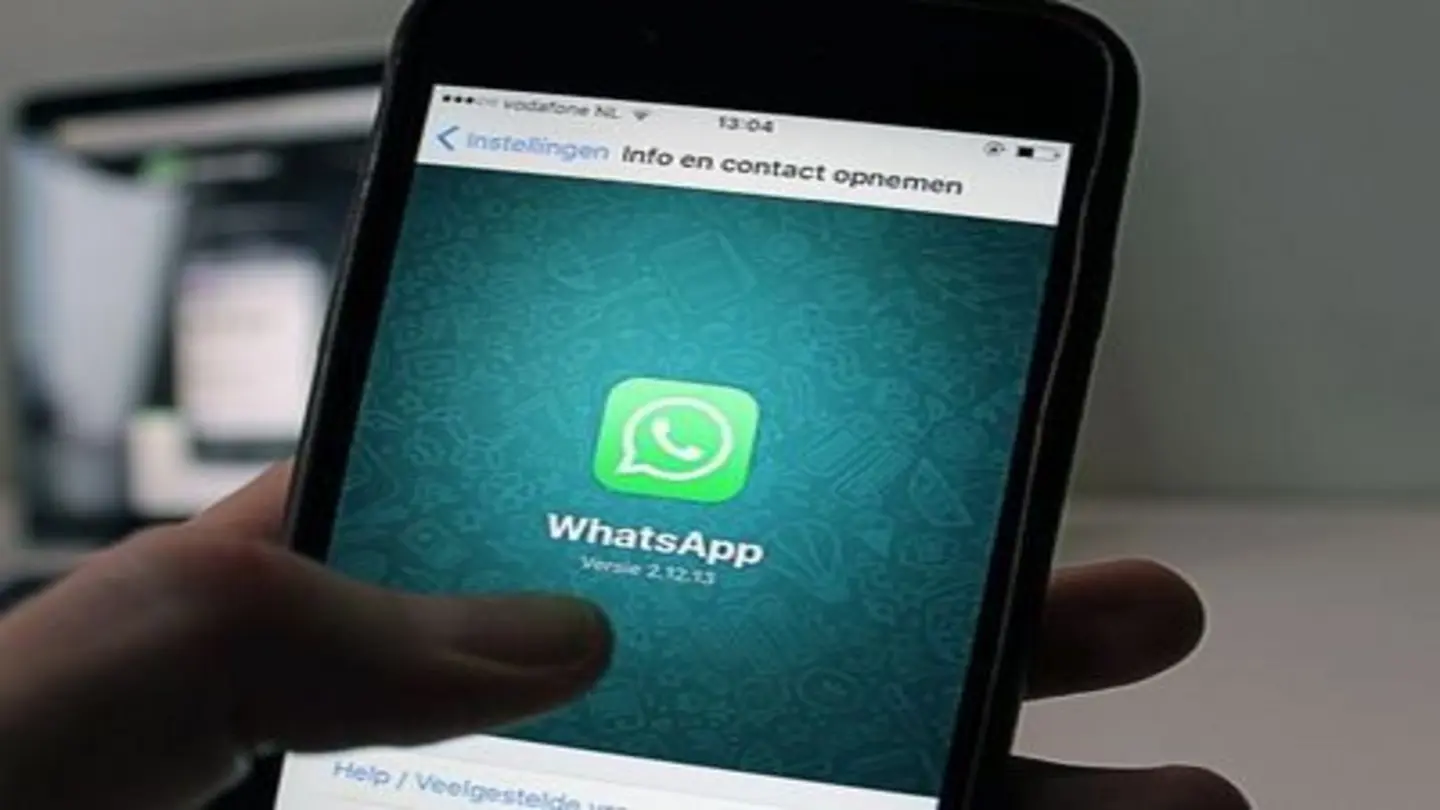
WhatsApp, the ubiquitous messaging platform, often requires users to save a contact before initiating a conversation. This can be cumbersome, especially for one-time interactions or when dealing with temporary contacts. However, there are several workarounds to send WhatsApp messages without the need to save a number to your phone’s contact list. This article outlines various methods to achieve this, catering to different smartphone operating systems and user preferences.
Using WhatsApp’s ‘wa.me’ Link
One of the simplest methods involves using WhatsApp’s ‘wa.me’ link. This feature allows you to generate a direct link to start a chat with any WhatsApp user, provided you know their full phone number with the correct country code. To use this method, simply open a web browser on your phone or computer and type ‘wa.me/’ followed by the country code and the phone number. For example, if the number is +1-555-123-4567, you would type ‘wa.me/15551234567’. Pressing enter will redirect you to a WhatsApp page where you can click a button to initiate a chat with the specified number. This method works on both Android and iOS devices, as well as on WhatsApp Web.
Utilizing Third-Party Apps
Several third-party applications are available on app stores that facilitate sending WhatsApp messages without saving contacts. These apps typically function by allowing you to enter a phone number and then directly opening a WhatsApp chat window with that number. While these apps can be convenient, it’s crucial to exercise caution when downloading and using third-party software. Always ensure that the app is from a reputable developer and has positive reviews to avoid potential security risks or privacy breaches. Before installing any such app, carefully review its permissions to understand what data it accesses and how it uses that information.
Creating a Temporary Contact
Another method involves creating a temporary contact within your phone’s address book. This might seem counterintuitive, but it can be a quick solution if you prefer using the WhatsApp interface directly. Simply add the phone number to your contacts with a temporary name like ‘Temp Contact 1’ or ‘Do Not Save’. After sending your message, you can then delete the temporary contact. This method is particularly useful if you need to send multiple messages to the same unsaved number over a short period. It also ensures that you can easily access the chat history within WhatsApp.
Using WhatsApp Web or Desktop
WhatsApp Web and the desktop application offer another avenue for sending messages without saving contacts. You can use the ‘wa.me’ link method described above directly within your computer’s web browser or desktop app. Alternatively, you can copy and paste the phone number into a note-taking app on your computer, then click on the number to initiate a WhatsApp chat if your operating system recognizes it as a phone number. This can be a convenient option if you’re already working on your computer and prefer not to switch to your phone.
In conclusion, sending WhatsApp messages without saving contacts is possible through various methods, including using the ‘wa.me’ link, utilizing third-party apps (with caution), creating temporary contacts, or leveraging WhatsApp Web/Desktop. The best approach depends on your specific needs and preferences. Always prioritize your security and privacy when choosing a method, and be mindful of the permissions you grant to third-party applications.
Image Source: Google | Image Credit: Respective Owner