
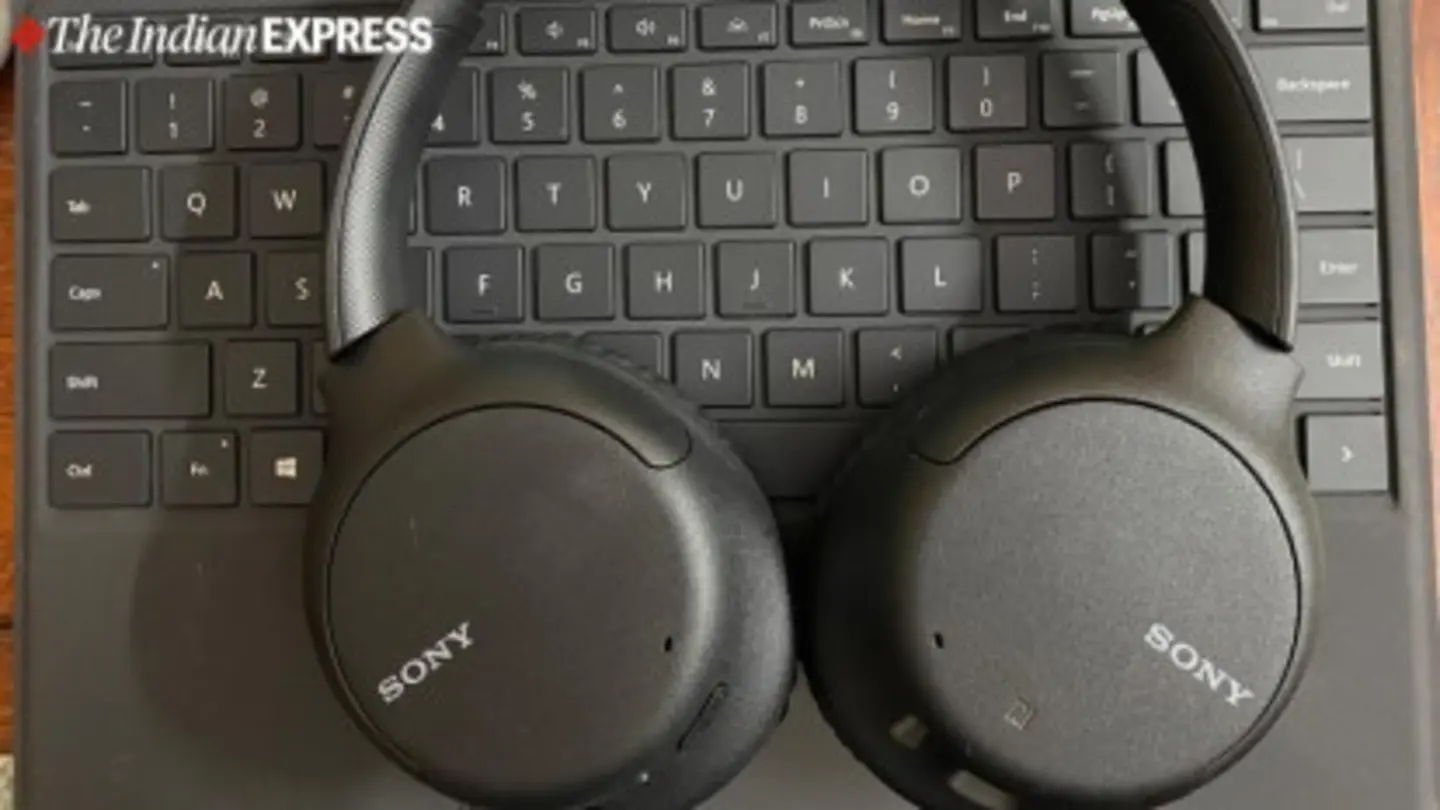
Sony headphone users are being urged to activate a potentially game-changing feature known as “Speak-to-Chat.” While many are aware of the noise-canceling capabilities of their Sony headphones, this often-overlooked function significantly enhances usability and convenience, particularly for those who frequently switch between listening and engaging in conversations.
Speak-to-Chat, as the name suggests, automatically pauses music and activates ambient sound mode when it detects the user’s voice. This eliminates the need to manually remove headphones or fumble with controls to hear and respond to someone speaking. Once the conversation ends, the headphones seamlessly resume playback.
TechRadar highlights that this feature is a standout, stating it’s one they “wouldn’t live without.” The convenience factor is substantial, especially in office environments, while commuting, or during quick interactions with family or colleagues. It’s a particularly useful feature for users who rely heavily on noise cancellation to focus, as it provides an instant and effortless transition back to their audio.
How to Enable Speak-to-Chat
The feature isn’t enabled by default on all Sony headphone models. Users need to activate it through the Sony Headphones Connect app, available for both iOS and Android. Within the app, navigate to the ‘Speak-to-Chat’ settings. Here, users can customize the sensitivity of the voice detection, ensuring it responds appropriately to their voice and doesn’t trigger accidentally from other sounds.
The app also allows users to specify how long the music should pause after speech is detected. Options range from a short pause for quick acknowledgements to a longer pause for more extended conversations. Furthermore, users can choose whether Speak-to-Chat should work regardless of whether they are walking or stationary.
While the feature is generally accurate, some users have reported occasional false positives, where the headphones pause due to sounds other than speech. Adjusting the sensitivity settings within the app can usually mitigate this issue. Sony continues to refine the algorithm through software updates, improving its accuracy over time.
Speak-to-Chat is compatible with a wide range of Sony’s over-ear and truly wireless noise-canceling headphones, including popular models like the WH-1000XM5, WH-1000XM4, and WF-1000XM5. It’s a testament to Sony’s commitment to enhancing the user experience beyond just sound quality, focusing on practical features that integrate seamlessly into daily life. For those who haven’t yet explored this functionality, enabling Speak-to-Chat could dramatically improve the overall usability and enjoyment of their Sony headphones.
The feature is not just about convenience; it also promotes safer interactions. Being able to hear your surroundings without removing your headphones is particularly important when walking or cycling in traffic. It allows users to remain aware of potential hazards while still enjoying their audio. Ultimately, Speak-to-Chat is a smart and well-implemented feature that adds significant value to Sony’s already impressive headphone lineup.
Image Source: Google | Image Credit: Respective Owner