

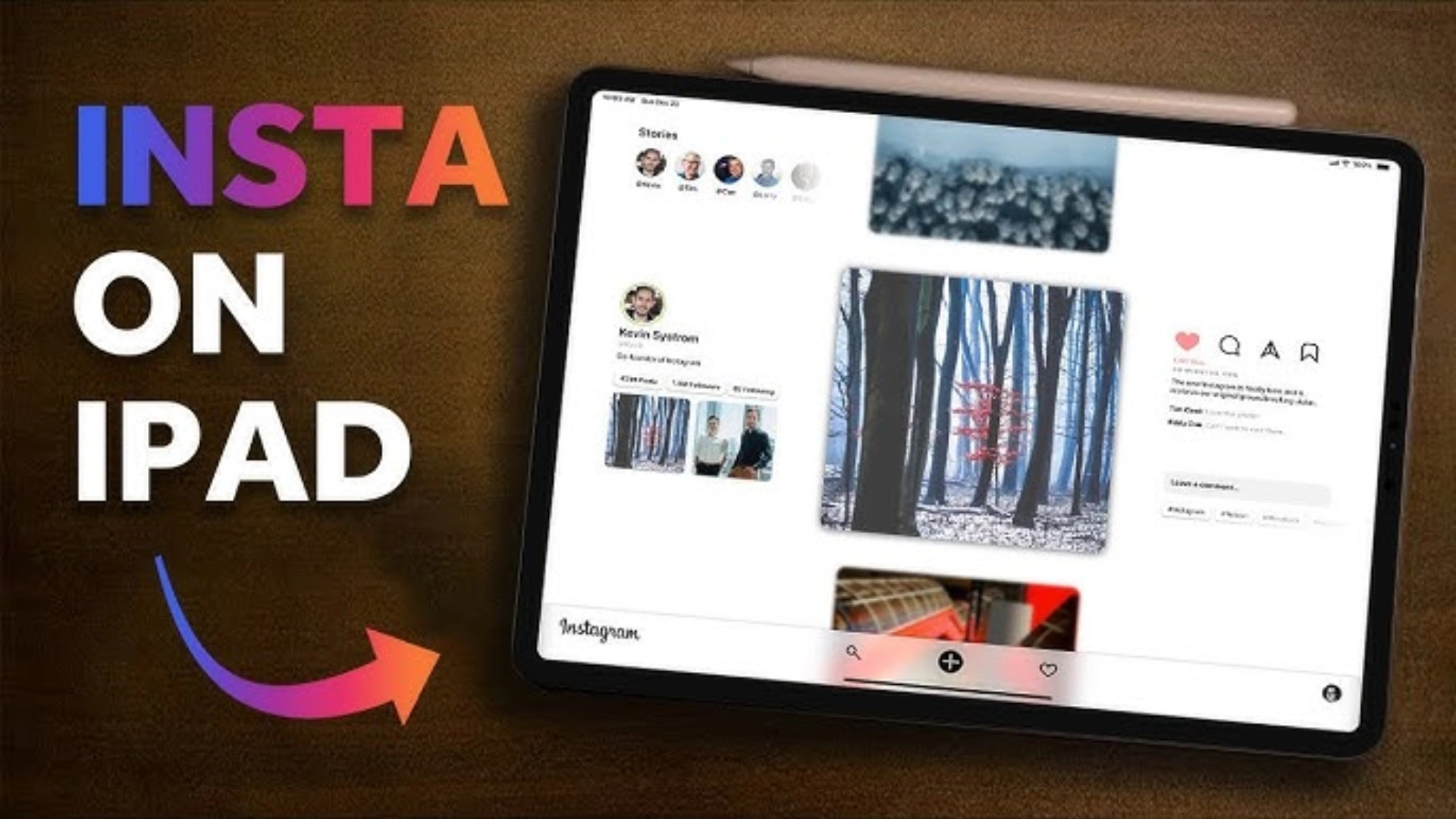
After years of waiting, iPad users can finally download the dedicated Instagram app from the App Store. Meta, the parent company of Instagram, has officially rolled out the app for iPads, bringing the full Instagram experience to the larger screen. This long-anticipated update means iPad users can now access all the core features of Instagram, including stories, feeds, direct messages, and more. However, the app has a stronger emphasis on Reels, making it a more entertainment-centric experience.
When users open the app on their iPads, they are greeted directly by the Reels section, allowing them to dive into entertaining content right away. This shift towards Reels underscores the growing importance of short-form videos on the platform.
In addition to this focus on Reels, the new Instagram app for iPad also introduces a dedicated Following tab. This feature allows users to filter posts and Reels in three different categories:
- All – Posts and Reels from accounts you follow.
- Friends – Content from people who follow you back.
- Latest – Chronological posts and Reels from accounts you follow.
The app also boasts a multi-column layout, which enhances the user experience by displaying multiple DMs, comments, and posts alongside each other. This makes navigation easier and helps users manage their interactions more efficiently, especially on the larger iPad screen.
To install the Instagram app on your iPad, you’ll need to have iPadOS 15.1 or later, ensuring compatibility with the new features. The update is a much-awaited addition to the iPad experience, bringing Instagram closer to the seamless experience iPhone users have long enjoyed.
Meta’s release of a dedicated Instagram app for iPad comes after similar announcements for WhatsApp compatibility, signaling the company’s growing focus on making its apps more accessible across all of Apple’s devices.
Whether you’re a content creator or someone who loves scrolling through the latest Reels, the new Instagram app for iPad offers a richer, more interactive experience on a larger screen.
Image Source: Instagram | Image Credit: Instagram