
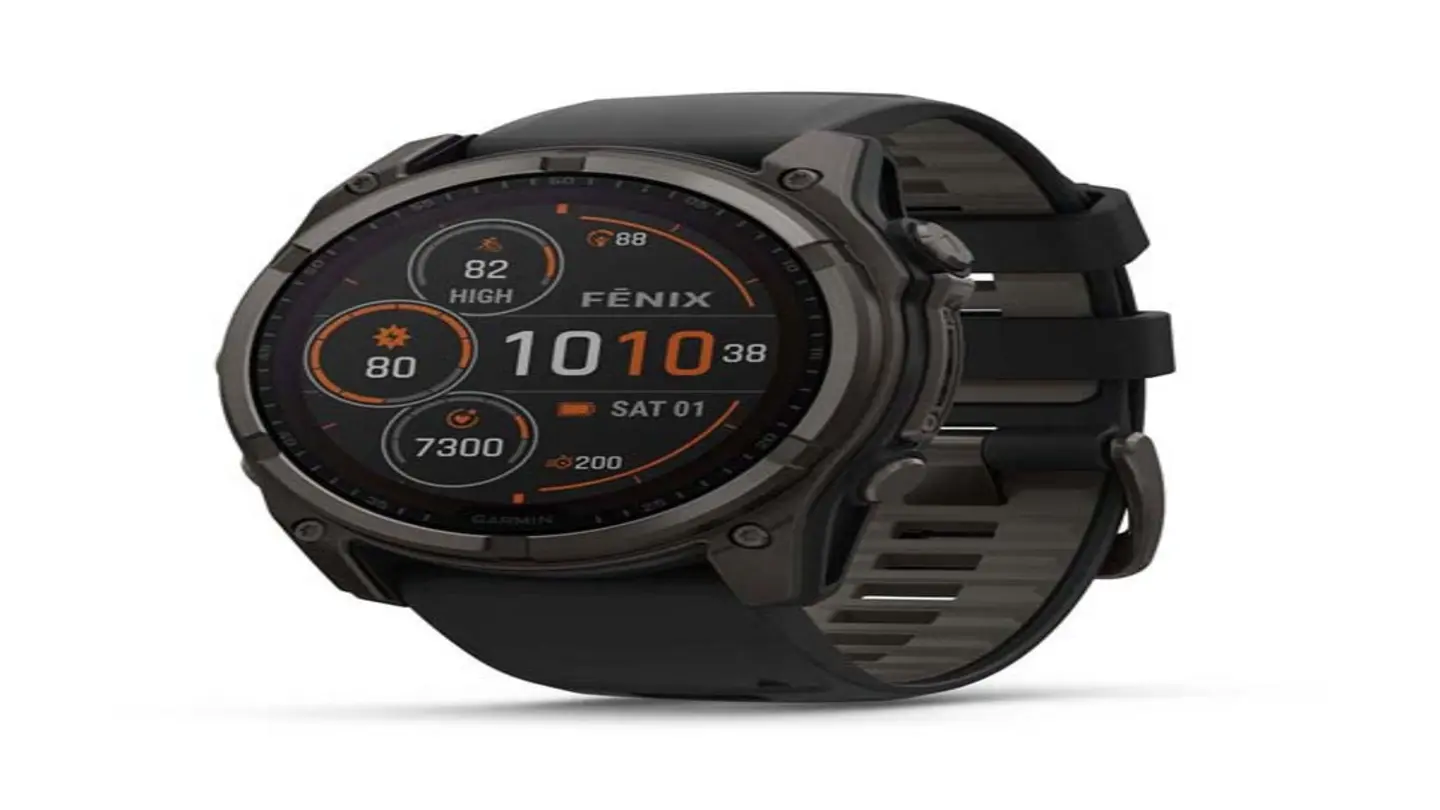
Garmin smartwatch owners, beware the accidental button press in the shower! A recent report highlights a common, frustrating issue: inadvertently activating the watch’s controls while submerged, leading to unintended consequences and potential damage. The solution, thankfully, is a simple “water-lock” feature built into many Garmin models, but often overlooked by users.
The problem stems from the capacitive touchscreens used in most Garmin watches. Water, being conductive, can mimic a finger press, causing the watch to register commands even when no actual input is intended. This can range from pausing a workout to sending emergency alerts, or even initiating a system reset. One user shared a particularly alarming experience with TechRadar, detailing how a shower-induced button press triggered an SOS signal to emergency contacts.
Fortunately, Garmin has anticipated this issue and incorporated a water-lock mode to prevent such mishaps. This feature essentially disables the touchscreen while the watch is wet, allowing users to swim, shower, or wash their hands without fear of accidental activation. However, the method for engaging water-lock varies depending on the specific Garmin model.
How to Activate Water-Lock
For many newer Garmin watches, the water-lock feature is automatically enabled when the device detects submersion during a swim activity. However, for general water exposure (like showering), manual activation is often necessary. The most common method involves holding the Up/Down or Start/Stop buttons for a prolonged period – typically 5-10 seconds – until a lock icon appears on the screen. This indicates that the touchscreen is disabled.
To unlock the watch, users usually need to perform a similar button-holding action. Again, the exact procedure differs between models. Some require holding a specific button combination, while others may involve a series of taps. Consulting your Garmin watch’s user manual is crucial to understanding the correct activation and deactivation process for your device.
The TechRadar article emphasizes the importance of familiarizing yourself with this feature *before* encountering a problem. Testing the water-lock in a safe environment, like over a sink, can help ensure you understand how it works and can reliably activate it when needed. Ignoring this simple step can lead to unnecessary stress, wasted battery life, and potentially, a frantic call to emergency services.
Beyond the water-lock feature, Garmin also recommends drying your watch thoroughly after exposure to water. While many models are water-resistant to varying depths, prolonged or repeated exposure to water, especially with soap or other chemicals, can compromise the seals and potentially lead to damage. Regularly inspecting the watch for any signs of corrosion or water ingress is also a good practice.
In conclusion, a little preventative action – learning how to use the water-lock feature – can save Garmin smartwatch users a significant amount of trouble and ensure a more enjoyable and worry-free experience with their devices. Don’t wait for a shower blunder to discover this valuable tool!
Image Source: Google | Image Credit: Respective Owner