
The Apple Watch, a ubiquitous wearable, boasts a plethora of features, many of which remain undiscovered by average users. Beyond basic fitness tracking and notifications, the device offers capabilities that can significantly enhance user experience and convenience. Hindustan Times has compiled a list of seven hidden features that every Apple Watch owner should explore.
Customizing the Dock
The Dock provides quick access to frequently used apps. However, many users are unaware that they can customize its contents to prioritize their preferred applications. By navigating to the Watch app on your iPhone, selecting ‘Dock,’ and then choosing either ‘Recents’ or ‘Favorites,’ you can curate the Dock to display the apps you use most often. This simple customization can save valuable time and effort.
Silent Alerts
For situations where audible alerts are disruptive, the Apple Watch offers haptic feedback as an alternative. By enabling ‘Prominent Haptic’ in the Watch’s settings, you’ll receive a distinct tap on your wrist for important notifications. This feature is particularly useful during meetings, presentations, or other noise-sensitive environments. Furthermore, muting all sounds ensures total discretion.
Water Ejection
The Apple Watch is water-resistant, but water ingress can sometimes affect the speaker’s performance. The ‘Water Lock’ feature, accessible from the Control Center, not only prevents accidental screen taps during swimming or showering but also utilizes sound vibrations to eject any water trapped in the speaker. Activating this feature after water exposure helps maintain optimal audio quality.
Camera Remote Control
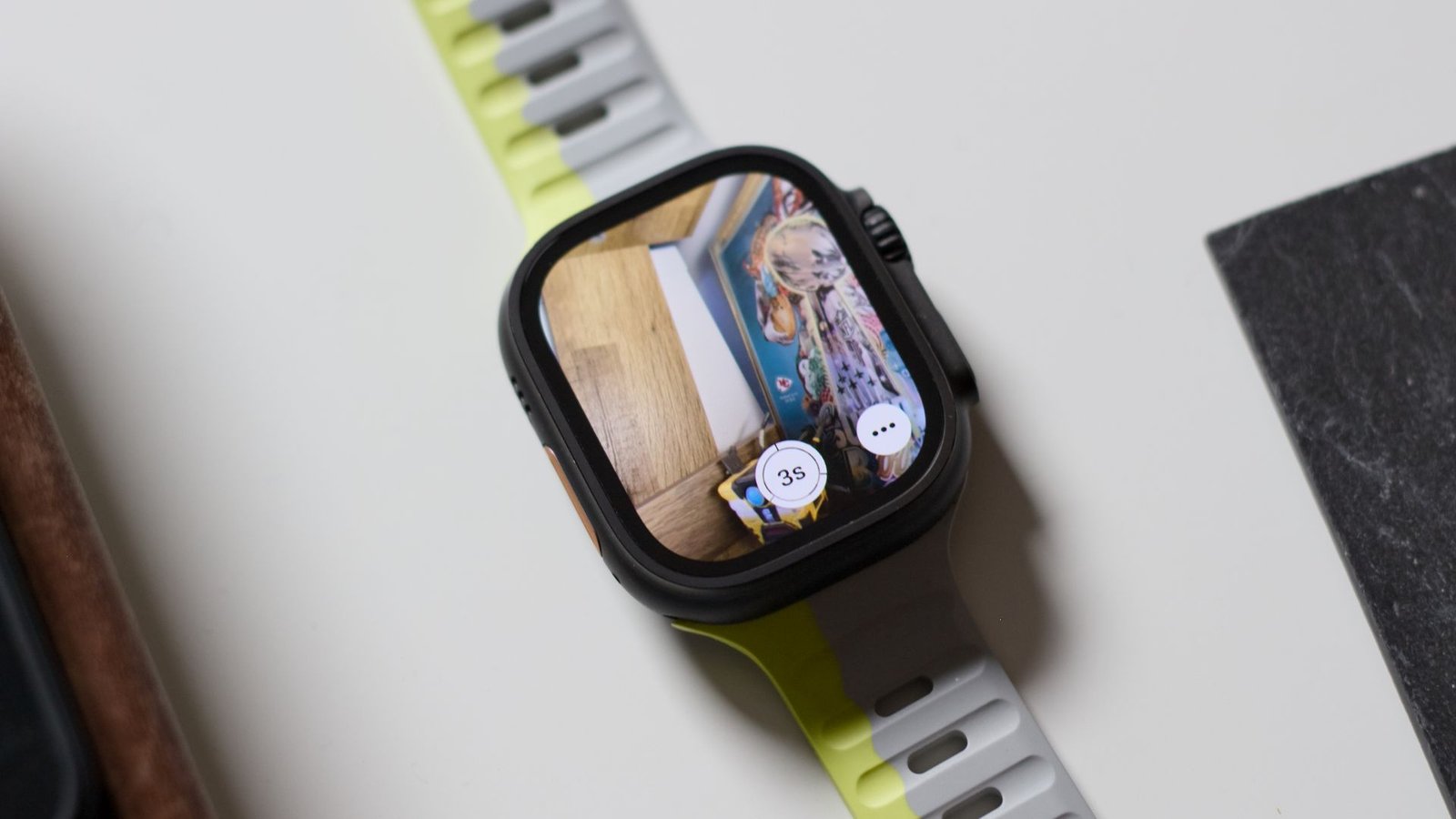
The Apple Watch can act as a remote shutter for your iPhone’s camera. This feature is invaluable for group photos or situations where you need to position yourself away from your phone. Open the Camera app on your Watch to view a live preview and trigger the shutter with a tap. Experimenting with different angles and compositions becomes significantly easier with this remote capability.
Find My Devices
Losing your iPhone or other Apple devices can be a stressful experience. The Apple Watch’s ‘Find Devices’ app can help locate misplaced devices within Bluetooth range. By tapping on the desired device within the app, you can trigger a sound, even if the device is on silent, making it easier to find. This feature is a lifesaver for quickly locating misplaced items around the house or office.
Emergency SOS
The Emergency SOS feature allows you to quickly contact emergency services and your designated emergency contacts in case of an emergency. By pressing and holding the side button, the Watch will initiate a call to emergency services and share your location with your emergency contacts. This feature can provide critical assistance in urgent situations.
Noise Monitoring
Prolonged exposure to loud noise can damage your hearing. The Apple Watch’s Noise app monitors ambient sound levels and alerts you when you’re exposed to potentially harmful noise levels. This feature allows you to take proactive steps to protect your hearing by moving to a quieter environment or using hearing protection.
Image Source: Google | Image Credit: Respective Owner